
ios-platform · folio
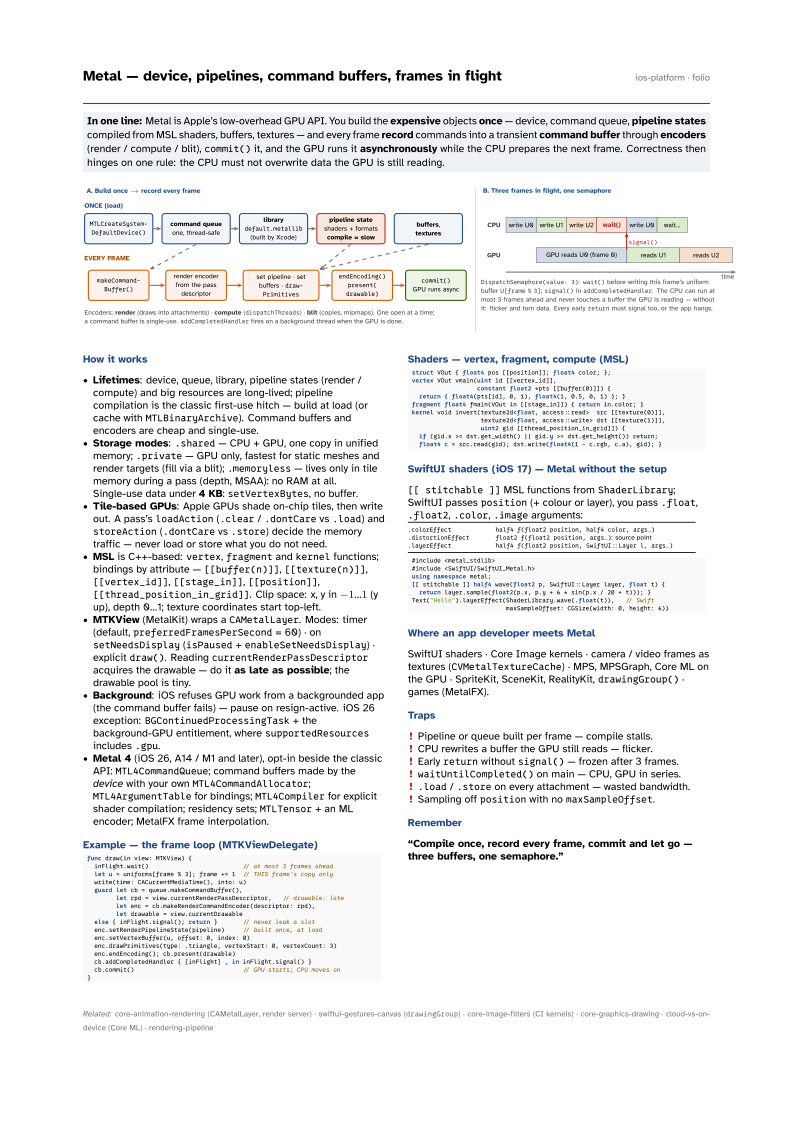
In one line: Metal is Apple’s low-overhead GPU API. You build the expensive objects
once — device, command queue, pipeline states compiled from MSL shaders, buffers,
textures — and every frame record commands into a transient command buffer through
encoders (render / compute / blit), commit() it, and the GPU runs it
asynchronously while the CPU prepares the next frame. Correctness then hinges on one rule:
the CPU must not overwrite data the GPU is still reading.
Download PDF Print view LaTeX source

How it works
- Lifetimes: device, queue, library, pipeline states (render / compute) and big resources are long-lived; pipeline compilation is the classic first-use hitch — build at load (or cache with
MTLBinaryArchive). Command buffers and encoders are cheap and single-use. - Storage modes:
.shared— CPU + GPU, one copy in unified memory;.private— GPU only, fastest for static meshes and render targets (fill via a blit);.memoryless— lives only in tile memory during a pass (depth, MSAA): no RAM at all. Single-use data under 4 KB:setVertexBytes, no buffer. - Tile-based GPUs: Apple GPUs shade on-chip tiles, then write out. A pass’s
loadAction(.clear/.dontCarevs.load) andstoreAction(.dontCarevs.store) decide the memory traffic — never load or store what you do not need. - MSL is C++-based:
vertex,fragmentandkernelfunctions; bindings by attribute —[[buffer(n)]],[[texture(n)]],[[vertex_id]],[[stage_in]],[[position]],[[thread_position_in_grid]]. Clip space: x, y in -1…1 (y up), depth 0…1; texture coordinates start top-left. - MTKView (MetalKit) wraps a
CAMetalLayer. Modes: timer (default,preferredFramesPerSecond= 60) · onsetNeedsDisplay(isPaused+enableSetNeedsDisplay) · explicitdraw(). ReadingcurrentRenderPassDescriptoracquires the drawable — do it as late as possible; the drawable pool is tiny. - Background: iOS refuses GPU work from a backgrounded app (the command buffer fails) — pause on resign-active. iOS 26 exception:
BGContinuedProcessingTask+ the background-GPU entitlement, wheresupportedResourcesincludes.gpu. - Metal 4 (iOS 26, A14 / M1 and later), opt-in beside the classic API:
MTL4CommandQueue; command buffers made by the device with your ownMTL4CommandAllocator;MTL4ArgumentTablefor bindings;MTL4Compilerfor explicit shader compilation; residency sets;MTLTensor+ an ML encoder; MetalFX frame interpolation.
Example — the frame loop (MTKViewDelegate)
func draw(in view: MTKView) {
  inFlight.wait()                          // at most 3 frames ahead
  let u = uniforms[frame % 3]; frame += 1  // THIS frame's copy only
  write(time: CACurrentMediaTime(), into: u)
  guard let cb = queue.makeCommandBuffer(),
        let rpd = view.currentRenderPassDescriptor,   // drawable: late
        let enc = cb.makeRenderCommandEncoder(descriptor: rpd),
        let drawable = view.currentDrawable
  else { inFlight.signal(); return }       // never leak a slot
  enc.setRenderPipelineState(pipeline)     // built once, at load
  enc.setVertexBuffer(u, offset: 0, index: 0)
  enc.drawPrimitives(type: .triangle, vertexStart: 0, vertexCount: 3)
  enc.endEncoding(); cb.present(drawable)
  cb.addCompletedHandler { [inFlight] _ in inFlight.signal() }
  cb.commit()                              // GPU starts; CPU moves on
}
Shaders — vertex, fragment, compute (MSL)
struct VOut { float4 pos [[position]]; float4 color; };
vertex VOut vmain(uint id [[vertex_id]],
                  constant float2 *pts [[buffer(0)]]) {
  return { float4(pts[id], 0, 1), float4(1, 0.5, 0, 1) }; }
fragment float4 fmain(VOut in [[stage_in]]) { return in.color; }
kernel void invert(texture2d<float, access::read>  src [[texture(0)]],
                   texture2d<float, access::write> dst [[texture(1)]],
                   uint2 gid [[thread_position_in_grid]]) {
  if (gid.x >= dst.get_width() || gid.y >= dst.get_height()) return;
  float4 c = src.read(gid); dst.write(float4(1 - c.rgb, c.a), gid); }
SwiftUI shaders (iOS 17) — Metal without the setup
[[ stitchable ]] MSL functions from ShaderLibrary; SwiftUI passes position (+ colour or layer), you pass .float, .float2, .color, .image arguments:
.colorEffect | half4 f(float2 position, half4 color, args…) |
.distortionEffect | float2 f(float2 position, args…): source point |
.layerEffect | half4 f(float2 position, SwiftUI::Layer l, args…) |
#include <metal_stdlib>
#include <SwiftUI/SwiftUI_Metal.h>
using namespace metal;
[[ stitchable ]] half4 wave(float2 p, SwiftUI::Layer layer, float t) {
  return layer.sample(float2(p.x, p.y + 6 * sin(p.x / 20 + t))); }
Text("Hello").layerEffect(ShaderLibrary.wave(.float(t)),   // Swift
                          maxSampleOffset: CGSize(width: 0, height: 6))
Where an app developer meets Metal
SwiftUI shaders · Core Image kernels · camera / video frames as textures (CVMetalTextureCache) · MPS, MPSGraph, Core ML on the GPU · SpriteKit, SceneKit, RealityKit, drawingGroup() · games (MetalFX).
Traps
- Pipeline or queue built per frame — compile stalls.
- CPU rewrites a buffer the GPU still reads — flicker.
- Early
returnwithoutsignal()— frozen after 3 frames. waitUntilCompleted()on main — CPU, GPU in series..load/.storeon every attachment — wasted bandwidth.- Sampling off
positionwith nomaxSampleOffset.